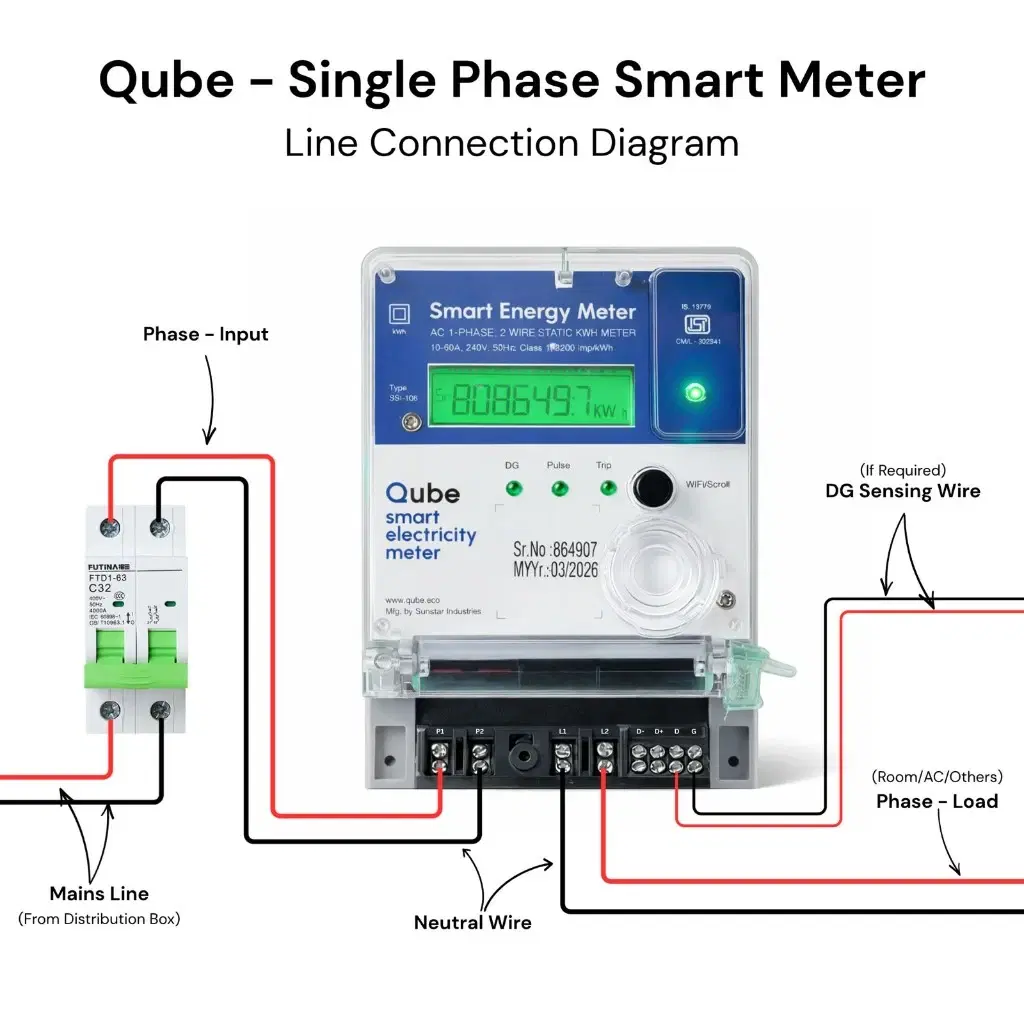
Use this guide for one Qube meter on one phase: a PG room, a hostel room, or a room circuit that also feeds an AC. The supply on the meter face is 240V, 10–60A, 2-wire, 50Hz.
Walk the same terminals on the interactive wiring guide. This page is the written version you can send to the electrician.
Before anyone opens the cover
Switch off the supply at the distribution box. Test the phase and neutral with a voltage tester and confirm both are dead. Keep the supply off until every screw is tight and the cover is back on.
Have the meter, a 2-pole MCB as shown on the line diagram, a voltage tester, and the WiFi name and password for the property. Do not work live.
Terminals on this meter
| Mark | What lands there |
|---|---|
| P1 | Phase input from the MCB. Red on the diagram. |
| P2 | Neutral input. Black on the diagram. |
| L1 | Neutral out to the room, AC, or other circuit. Black on the diagram. |
| L2 | Phase out, paired with L1. Red on the diagram. |
| D- and D+ | Data. Not a power connection. |
| D and G | DG sensing, and only if this site needs it. |
Land the mains
Bring the phase and neutral from the distribution box into a 2-pole MCB. The diagram labels the incoming pair Mains Line. The MCB is the switch that stays open while the meter terminals are exposed.
From the MCB:
- Take the phase, labelled Phase – Input, to P1.
- Take the neutral, labelled Neutral Wire, to P2.
- Tug each conductor. A loose neutral will show up as a bad reading after you restore power.
Leave toward the room
L1 is the neutral out. L2 is the phase out. The diagram calls this pair Phase – Load, for the room, the AC, or the other circuit on this meter.
On a PG or hostel room, that load is lights, the fan, and plug points. If the AC is on this same circuit, it is included. Do not borrow a neutral from a neighbouring room.
DG sensing
The diagram marks a separate conductor as DG Sensing Wire, and it says "if required". Land it on D and G only when the property actually senses diesel generator supply. Skip it on a room with no DG input. Do not put power on D- or D+.
After the cover is on
Restore the supply. The display should light and show a reading. Pair the meter to the property WiFi from the Qube app, then confirm it is online on the dashboard and that a test recharge reaches this room.
If the display stays dark, switch the supply off again and recheck P1, P2, L1, and L2 against the diagram before you look at WiFi.
Other meters on the same property
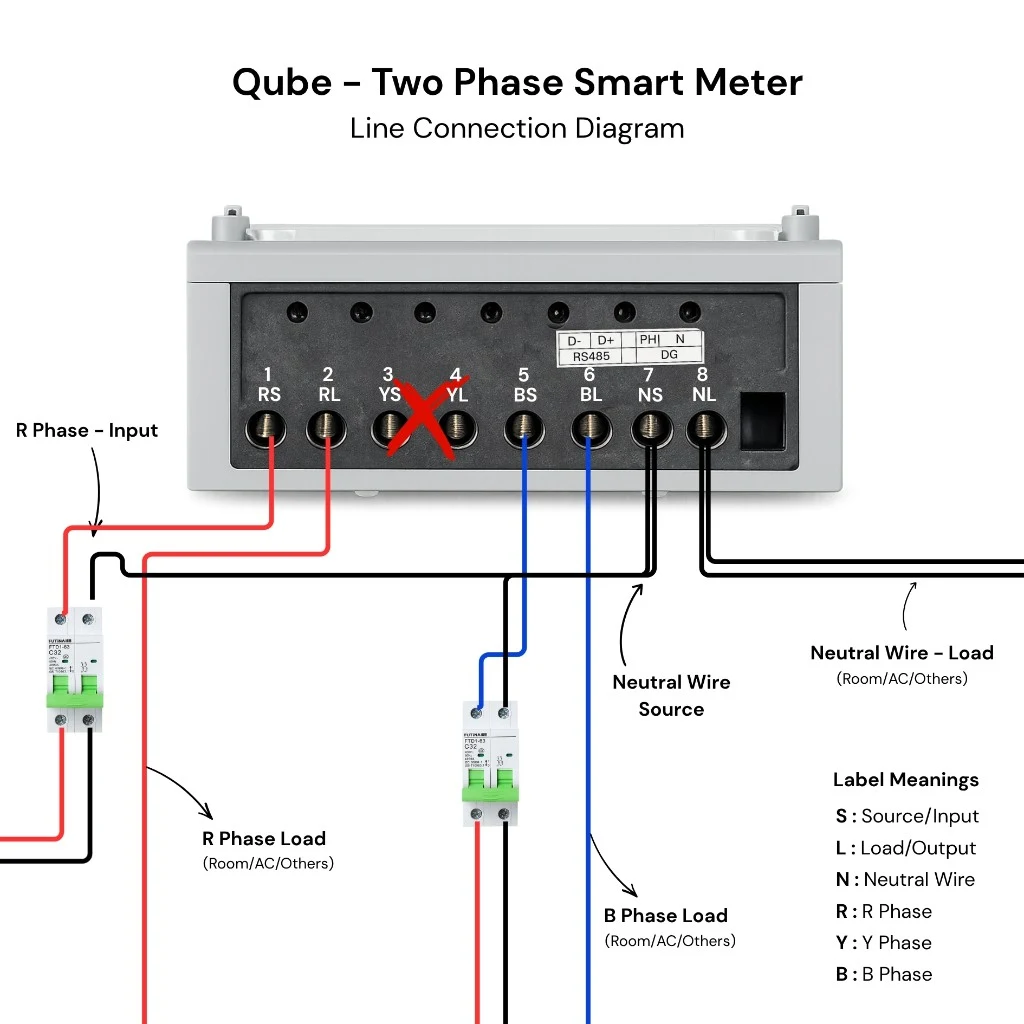
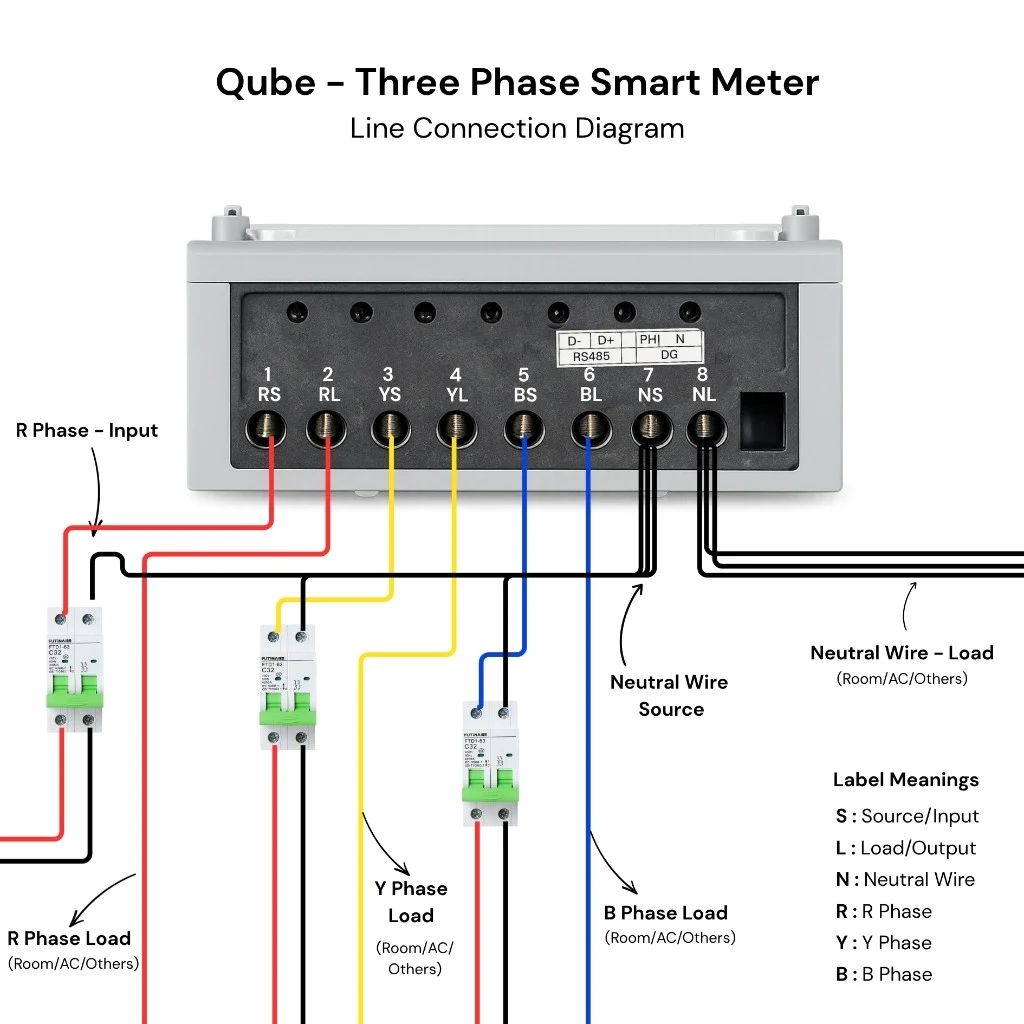
A supply with only R and B uses the two phase installation guide. A flat or panel on R, Y, and B uses the three phase installation guide.